

OpenLayers with Mappinest
Use OpenLayers with Mappinest map styles, uploaded vector or raster tilesets, and editable datasets.

Overview
Choose how you want to use Mappinest in OpenLayers. Load a map style, add a vector or raster tileset, or render an editable dataset.
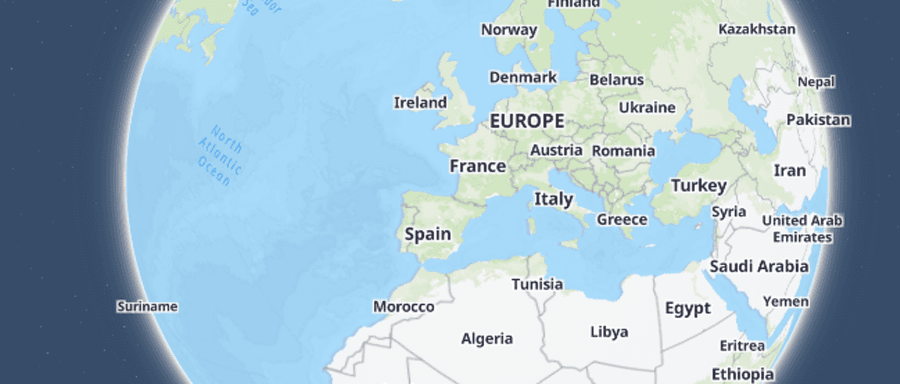
Load a Mappinest style in OpenLayers
GuideUse StyleJSON when you want an available Mappinest map style such as streets, light, dark, or satellite.
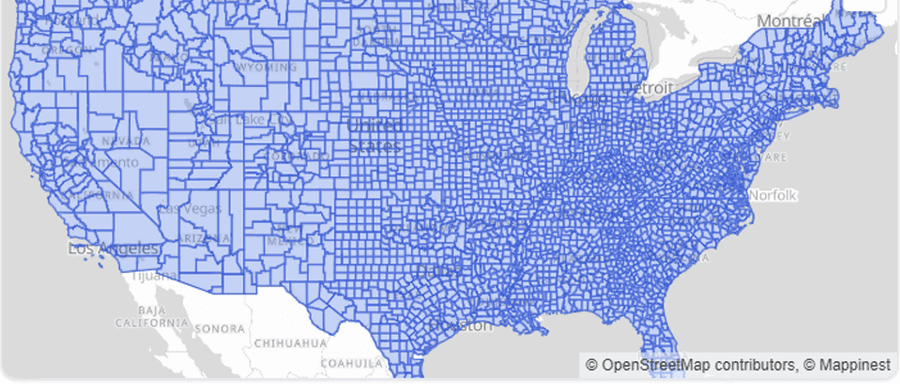
Add an uploaded vector tileset in OpenLayers
GuideUse TileJSON when your uploaded MBTiles or PMTiles file contains vector tiles and you want the tile template, bounds, zoom range, and source layer metadata behind one URL.
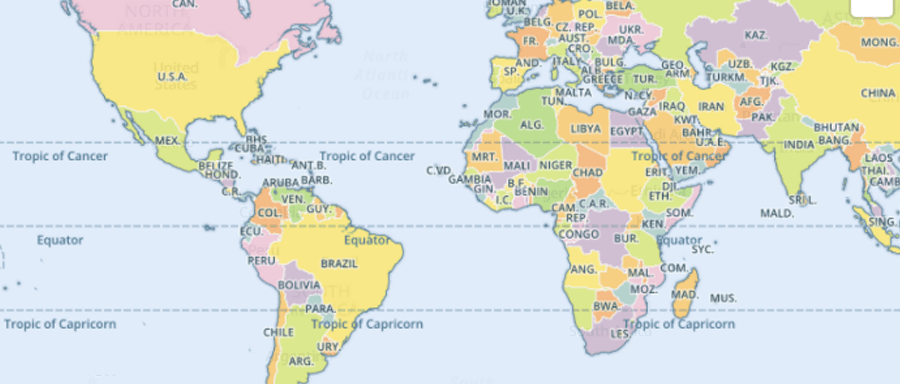
Add an uploaded raster tileset in OpenLayers
GuideUse TileJSON when you want the raster tile template and zoom metadata behind one URL, or use direct raster XYZ URLs when the integration requires a tile template.
Add an editable dataset in OpenLayers
GuideFetch the latest published dataset revision as one GeoJSON FeatureCollection and render points, lines, or polygons in the map client.
What to read next
Last updated: September 13, 2026